

Free Online Converter
Paste a YouTube link or enter a keyword for a quick browser-based task without installing the desktop app.
Convert YouTube online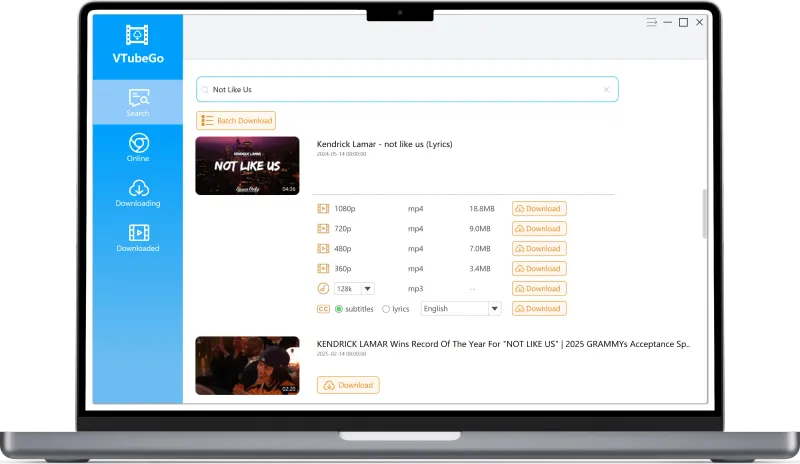

Start with the tool or format guide that matches your task.
Paste a YouTube link or enter a keyword for a quick browser-based task without installing the desktop app.
Convert YouTube online
Learn how audio formats, source quality, and bitrate choices affect MP3 compatibility and file size.
Explore the MP3 converter
Compare MP4 resolution options and choose a format suited to your screen, storage, and source video.
Explore the MP4 converter
Use the Windows or Mac app for playlists, batch processing, subtitles, high-speed downloads, more sites and additional output options.
Explore desktop featuresThe online converter is intended for quick, single-video tasks. The desktop app is the better fit when a workflow includes several items, playlists, subtitles, or additional sites.
| Task | Recommended option |
|---|---|
| Convert one YouTube link | Online converter |
| Choose an audio format or bitrate | MP3 converter guide |
| Choose a video resolution | MP4 converter guide |
| Batch downloads, High-speed unlimited | Desktop app |
VTubeGo offers browser-based conversion and a desktop app. The exact formats and quality options available can vary by source video.
| Output formats | YouTube MP3 audio and YouTube MP4 video |
|---|---|
| Access options | YouTube Online converter and desktop app for Windows and Mac |
| Available quality options | MP3 from 128kbps to 320kbps; MP4 from 720p to 8K when available from the source |
| Desktop features | Batch processing, playlists, subtitles, lyrics, and long-video downloads |
| Usage | Only convert or save content when you have permission and the source platform's terms allow it |
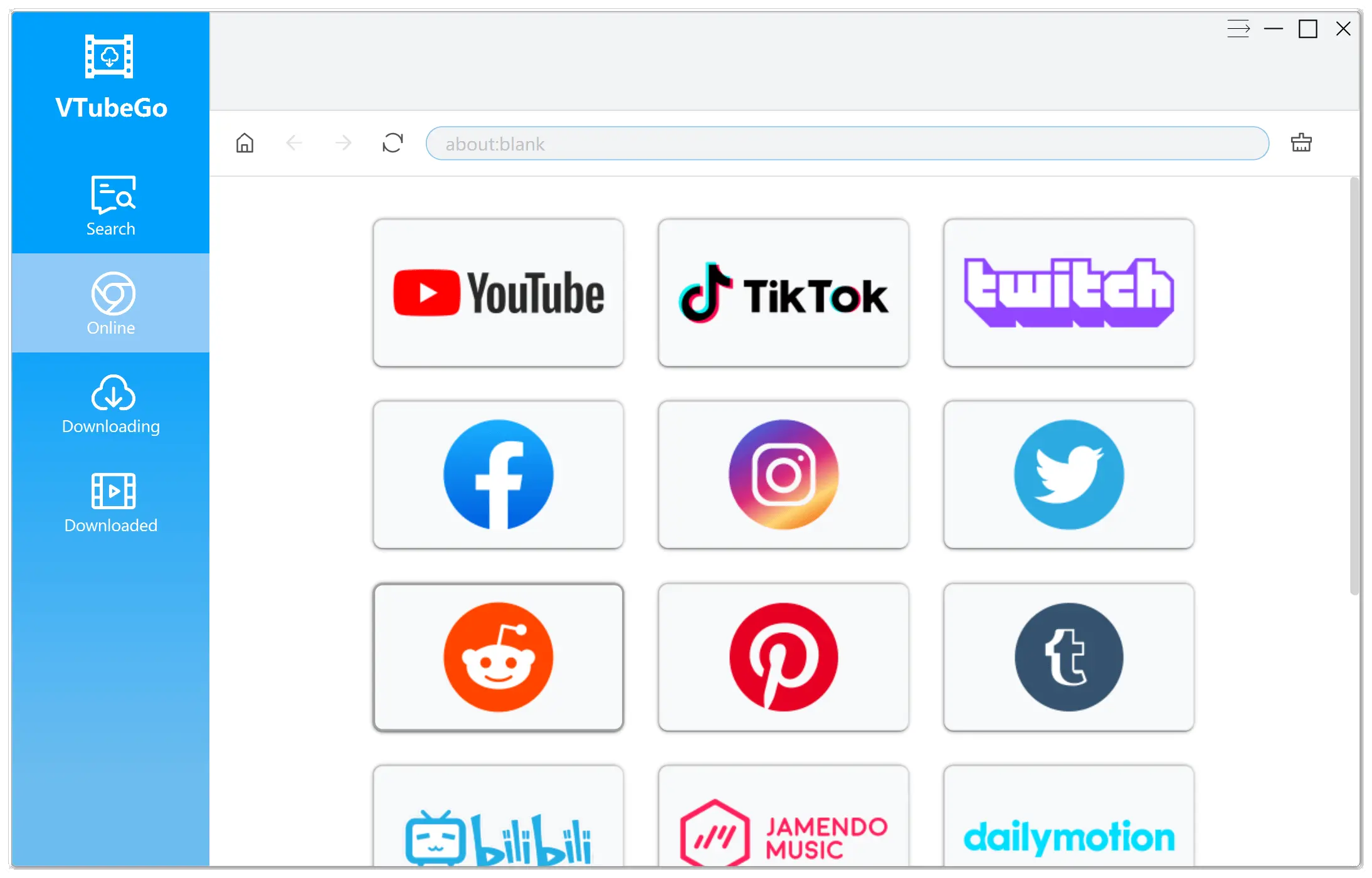
VTubeGo provides browser-based conversion and a desktop workflow for Windows and Mac. Feature and format availability can vary by source and platform.
When one browser task becomes a longer queue, VTubeGo Desktop keeps playlists, format choices, subtitles, and completed files in one workflow.
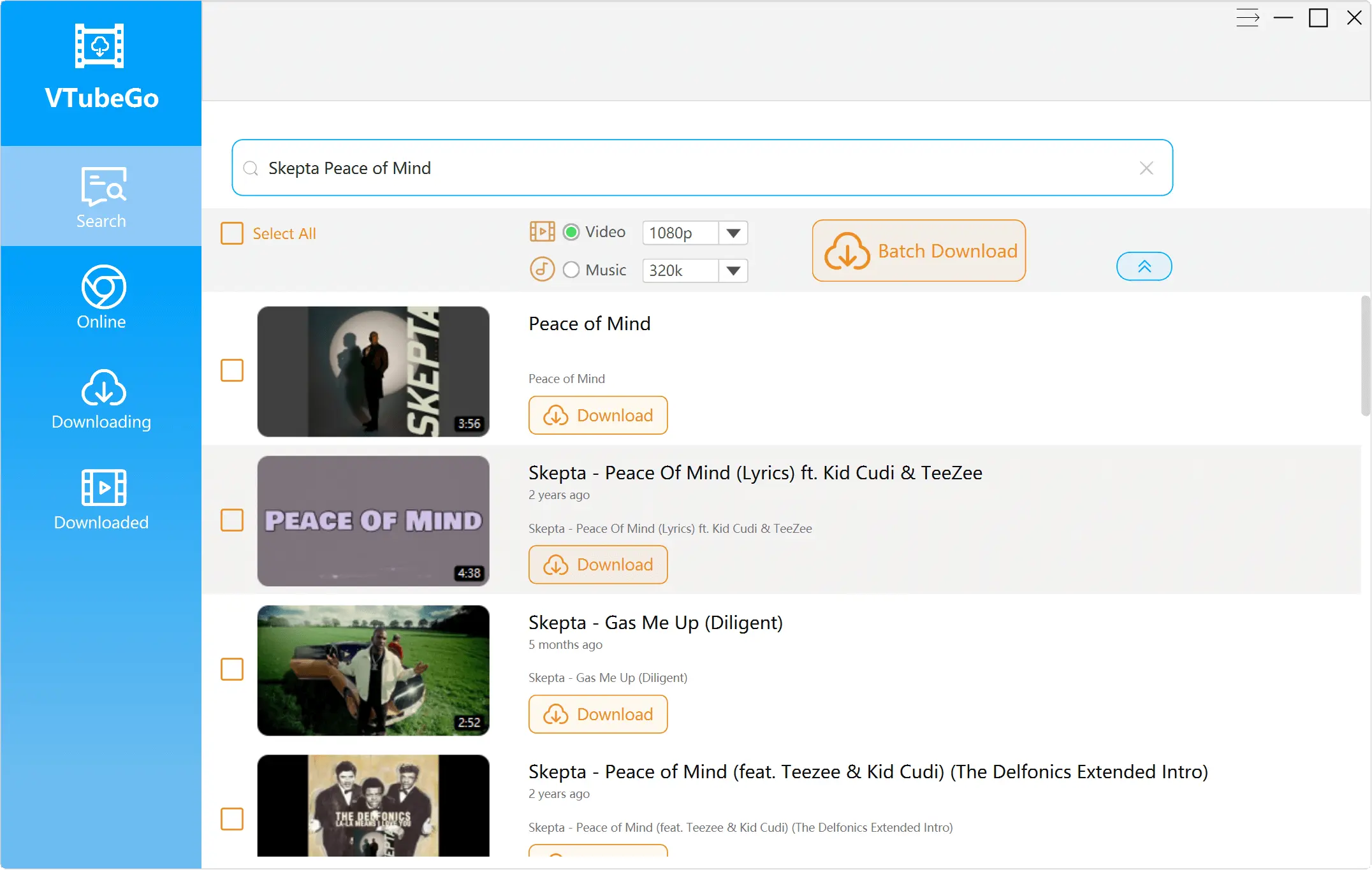
Choose a workflow, format, and quality option based on the source and what you want to keep.
Use the online converter for a quick task, or explore the desktop app for playlists, batch processing, subtitles, and additional sites.