YouTube to MP4 in HD
Convert YouTube videos to MP4 in resolutions from 720p up to 8K when the source video provides them.
MP4 resolution guide →Convert YouTube videos to MP3 or MP4 directly in your browser. Paste a video link or enter a keyword below — no installation required.
No installation required. Available MP3 bitrates and MP4 resolutions depend on the source video.
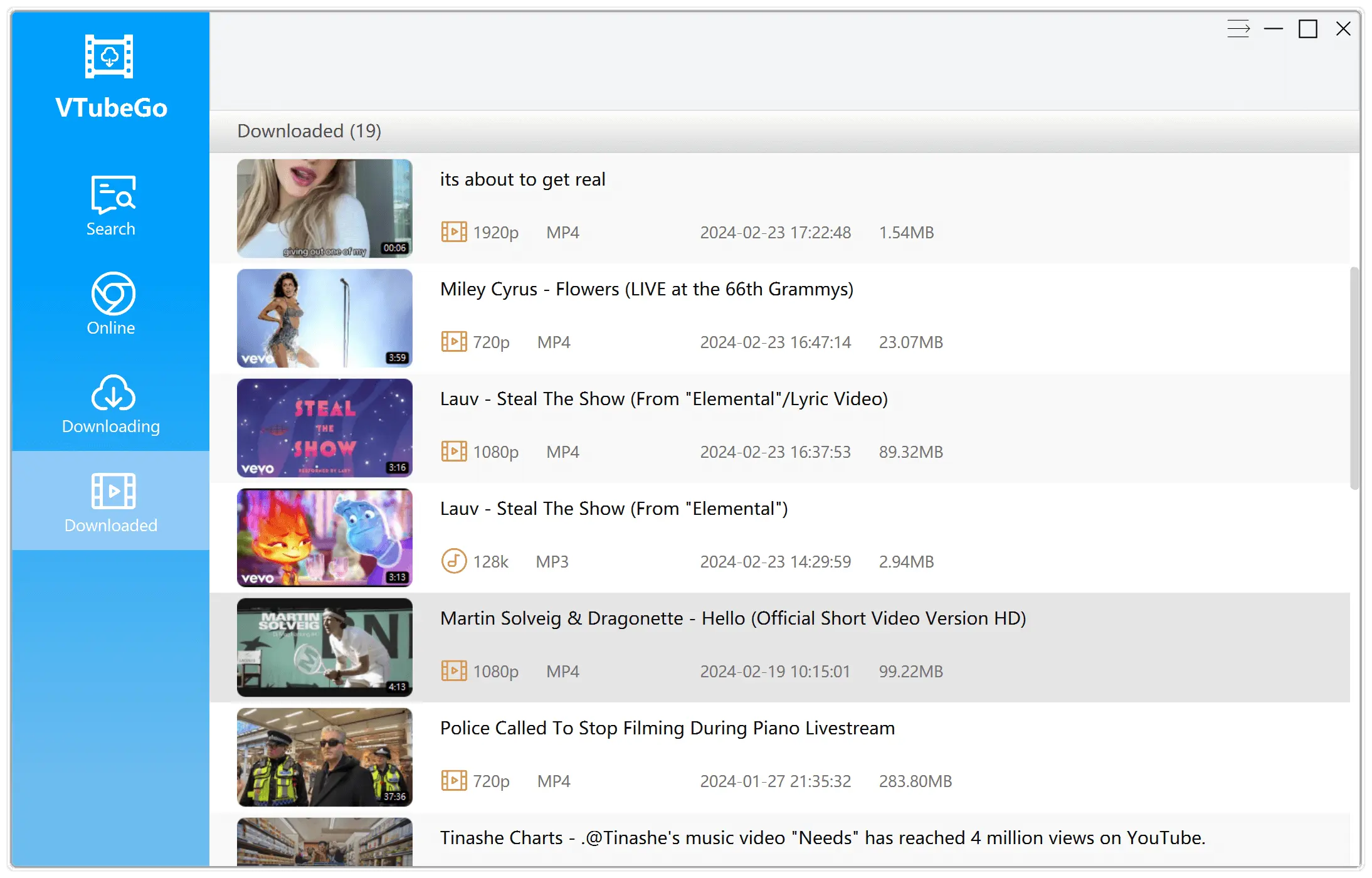
Need playlists, batch tasks, high-speed downloads,or subtitles? Try the VTubeGo desktop app — or compare the MP3 options and MP4 options.
This free online tool converts one YouTube video at a time. The exact MP3 bitrates and MP4 resolutions shown for each result depend on the source video.
Convert YouTube videos to MP4 in resolutions from 720p up to 8K when the source video provides them.
MP4 resolution guide →Extract the audio track as an MP3 file at 128kbps–320kbps, depending on what the source offers.
MP3 bitrate guide →Paste a YouTube URL or type a video or music name. Every result includes a thumbnail preview before you download.
Three steps, no installation required.
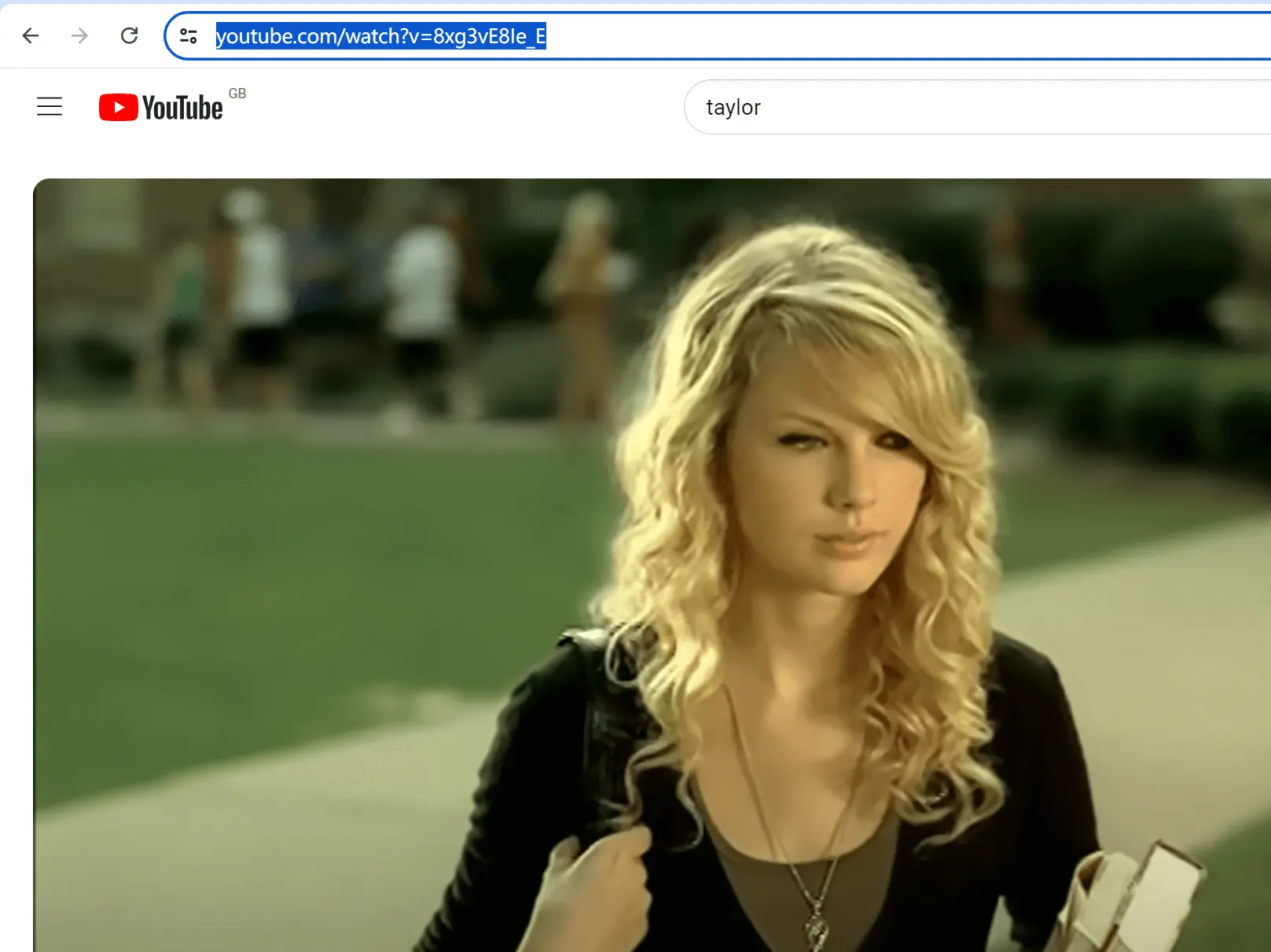
Copy the video URL from the browser's address bar, or right-click the video and choose "Copy video URL". You can also simply use the video title.
Paste the link or type a keyword into the search box at the top of this page, then click the search button or press Enter.
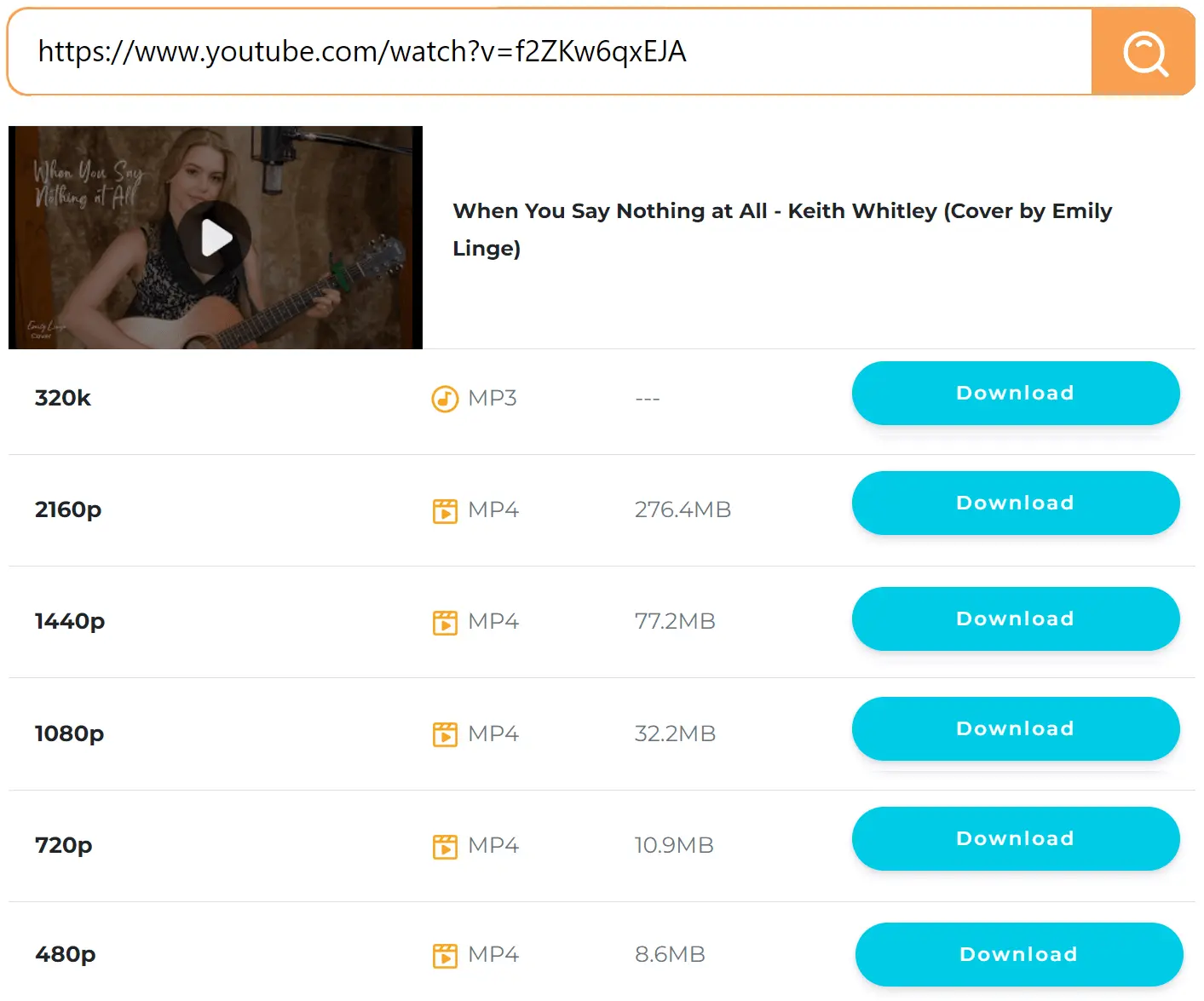
Review the listed MP3 and MP4 options and select the quality that fits your device and storage. The file downloads directly in your browser.
If a search returns no result or an error, one of these is usually the cause:
For larger jobs, the VTubeGo desktop app for Windows and Mac handles playlists, batch queues, subtitles, and more sites with a faster multi-threaded engine.
Only download or convert content that you own, that is in the public domain, or that you have permission to save, and follow the source platform's terms.